For years, many online scams were fairly easy to spot. The email had obvious spelling mistakes. The website looked suspicious. The message came from an unfamiliar address. Or a caller asked for information that didn’t seem right.
Artificial intelligence is making those warning signs less reliable.
Scammers can now use AI to create convincing emails and text messages, realistic images and videos, cloned voices, and websites that look nearly identical to legitimate businesses. A fraudulent message may look professional, sound convincing, and even appear to come from someone you know.
The technology behind scams is changing, but many of the best ways to protect yourself haven’t.
1. Slow down before you respond
Scammers often try to create urgency.
Your account is about to be disconnected. Your payment failed. Your computer has been compromised. A family member needs money immediately. You need to click a link right now.
That urgency is intentional.
Before clicking a link, providing information, sending money, or installing software, stop and consider whether the request makes sense.
If a message claims to be from a company you do business with, don’t automatically use the phone number or link provided in the message. Go directly to the company’s website or use a phone number you already know is legitimate.
2. Don’t trust a message just because it looks professional
Poor grammar and strange formatting used to be obvious signs of phishing. AI makes it much easier for scammers to create polished emails, text messages and websites.
Instead of judging a message by how it looks, look at what it is asking you to do.
Be cautious if someone unexpectedly asks you to:
- Provide a password or verification code
- Give them remote access to your computer
- Download unfamiliar software
- Provide banking or credit card information
- Click a link to prevent an account from being closed
- Send money or purchase gift cards
- Move a conversation to another messaging service
A professional-looking message is no longer proof that it is legitimate.
3. Verify unexpected requests another way
AI can imitate more than written communication. Voice cloning technology can make a caller sound like a family member, coworker or someone from a company you recognize.
If you receive an unusual request, verify it independently.
Hang up and call the person yourself. Contact the company using its published phone number. Ask a question only the real person would know.
For families, you may even want to establish a simple family password or phrase that can be used to verify an emergency request.
4. Protect your online accounts
A few basic security habits can prevent many common attacks.
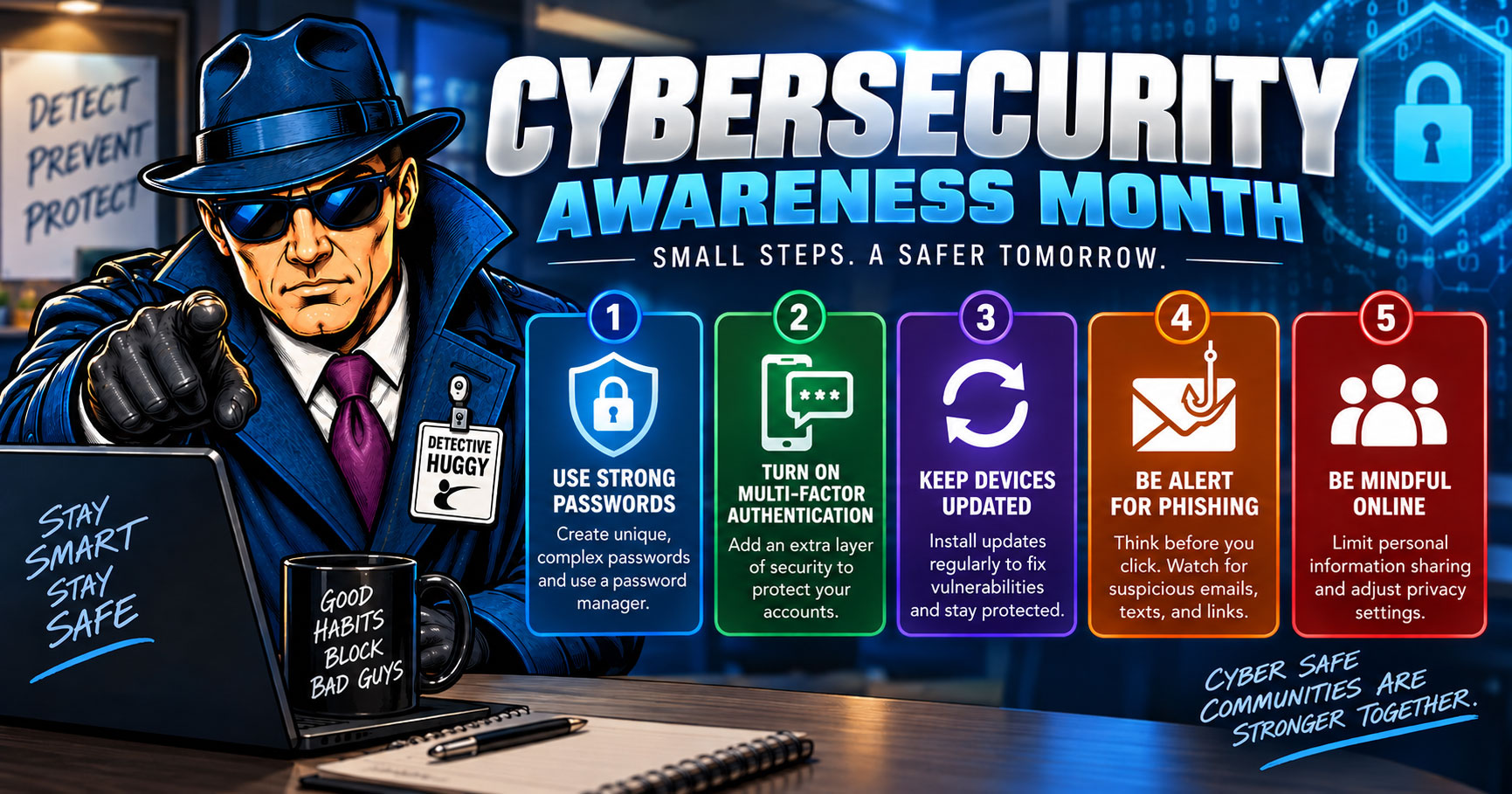
Use a different password for every important account. A password manager can make this much easier.
Turn on multifactor authentication whenever it is available. This adds another layer of protection even if someone obtains your password.
Keep your computers, phones, browsers and other connected devices updated. Security updates frequently address vulnerabilities that criminals can exploit.
And pay attention to security alerts. If you receive notice of a login you don’t recognize, change your password immediately and review the account.
5. Be cautious of unexpected tech-support calls
One common scam involves someone claiming there is a problem with your internet connection, computer, Wi-Fi network or another service.
They may ask you to install software that allows them to remotely access your computer. Once connected, they can potentially view personal information, steal passwords or convince you that additional problems need to be fixed for a fee.
Never provide remote access to your computer based solely on an unexpected call, email or pop-up message.
If you believe there really may be a problem with your internet service, contact your provider directly.
6. Watch for fake CentraCom communications
Scammers sometimes impersonate legitimate companies because people are more likely to respond to a name they recognize.
If you receive an unexpected communication claiming to be from CentraCom and something doesn’t seem right, don’t provide personal information or payment information.
Instead, contact CentraCom directly through the contact information on our website or our regular customer service number: 1-800-427-8449.
New technology. Same smart habits.
AI will continue to make online scams more convincing. Trying to identify every new type of scam isn’t realistic.
A better defense is developing a few consistent habits: Slow down. Question unexpected requests. Verify through another source. Protect your accounts. And don’t give someone access to your devices unless you know exactly who you’re dealing with.
The internet gives us access to more information, entertainment, communication and services than ever before. A little caution can help make sure you’re getting those benefits without giving scammers access to your digital life.
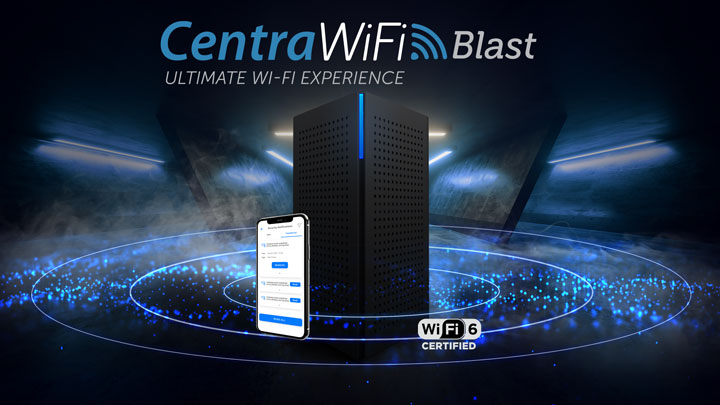
The CentraWiFi Blast Router includes ProtectIQ™ which gives you the internet security you need. ProtectIQ™ is a network-level security application that works quietly in the background and proactively keeps malicious websites, viruses, and intrusion away from your home 24x7. ProtectIQ™ was awarded the 2022 Global InfoSec Best in Anti-Phishing, Network Security & Management system.